
SnapCents
Every cent makes sense.
A privacy-first iOS budget tracker. Scan receipts, track expenses, and understand your spending — all on-device.
Download on the App Store
Every cent makes sense.
A privacy-first iOS budget tracker. Scan receipts, track expenses, and understand your spending — all on-device.
Download on the App Store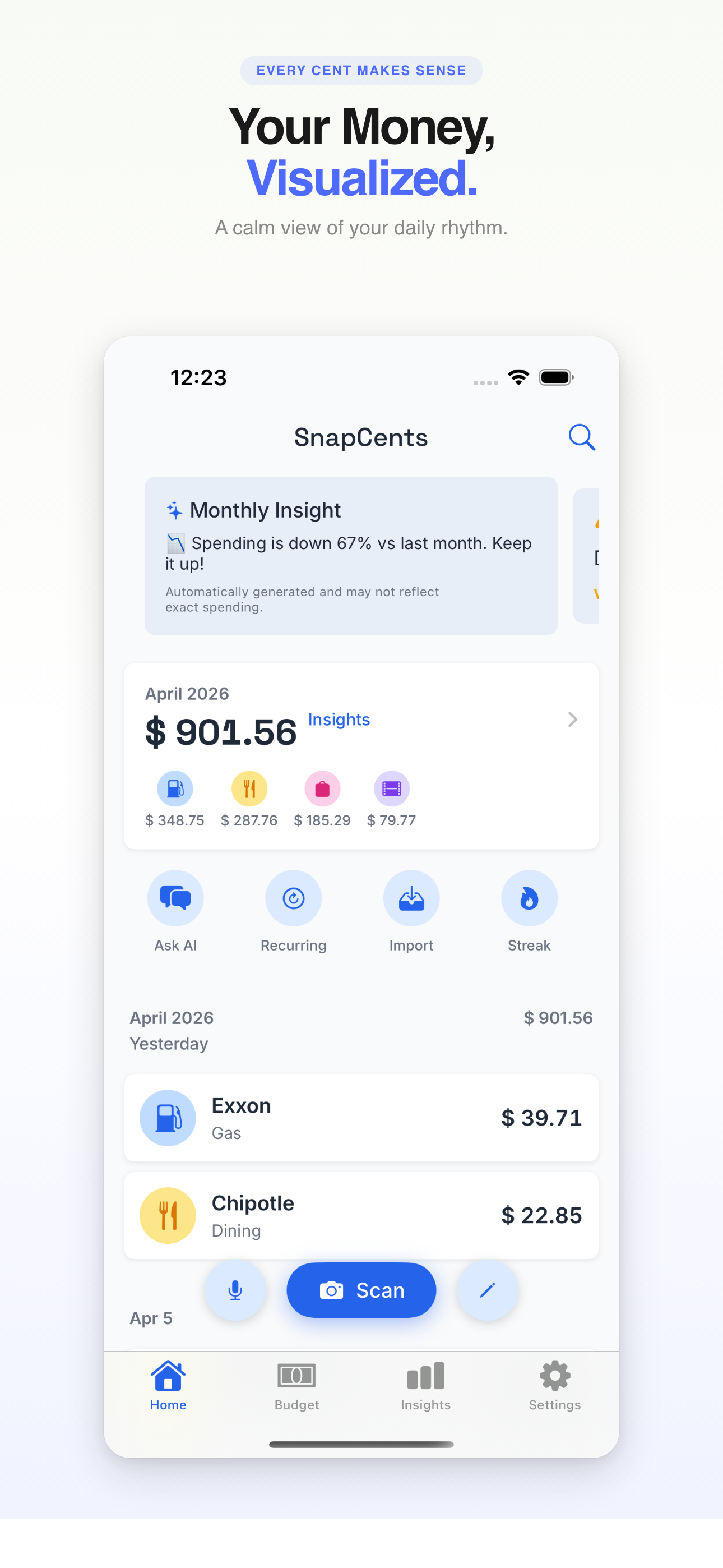
Point your camera at any receipt. AI extracts the details instantly.
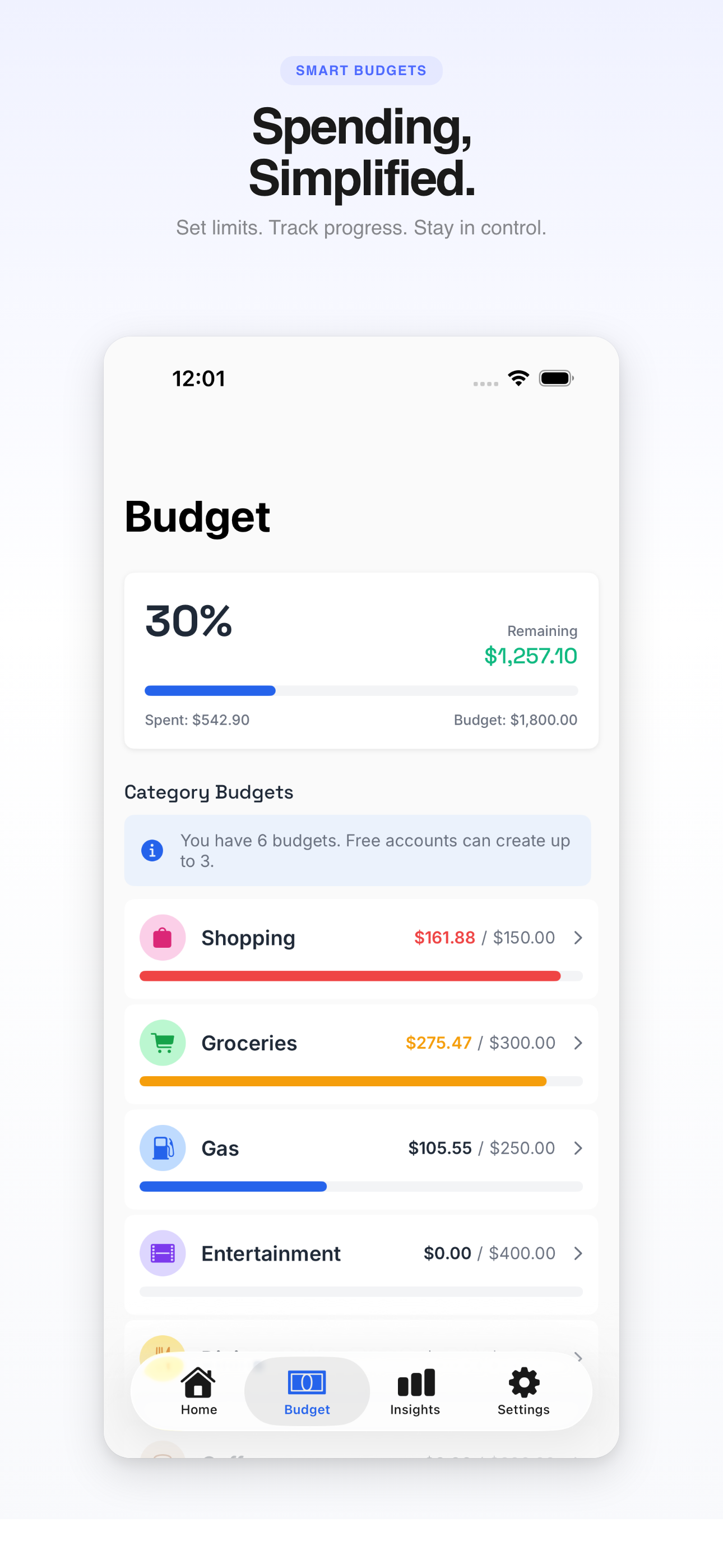
Set category limits and watch your progress in real time.
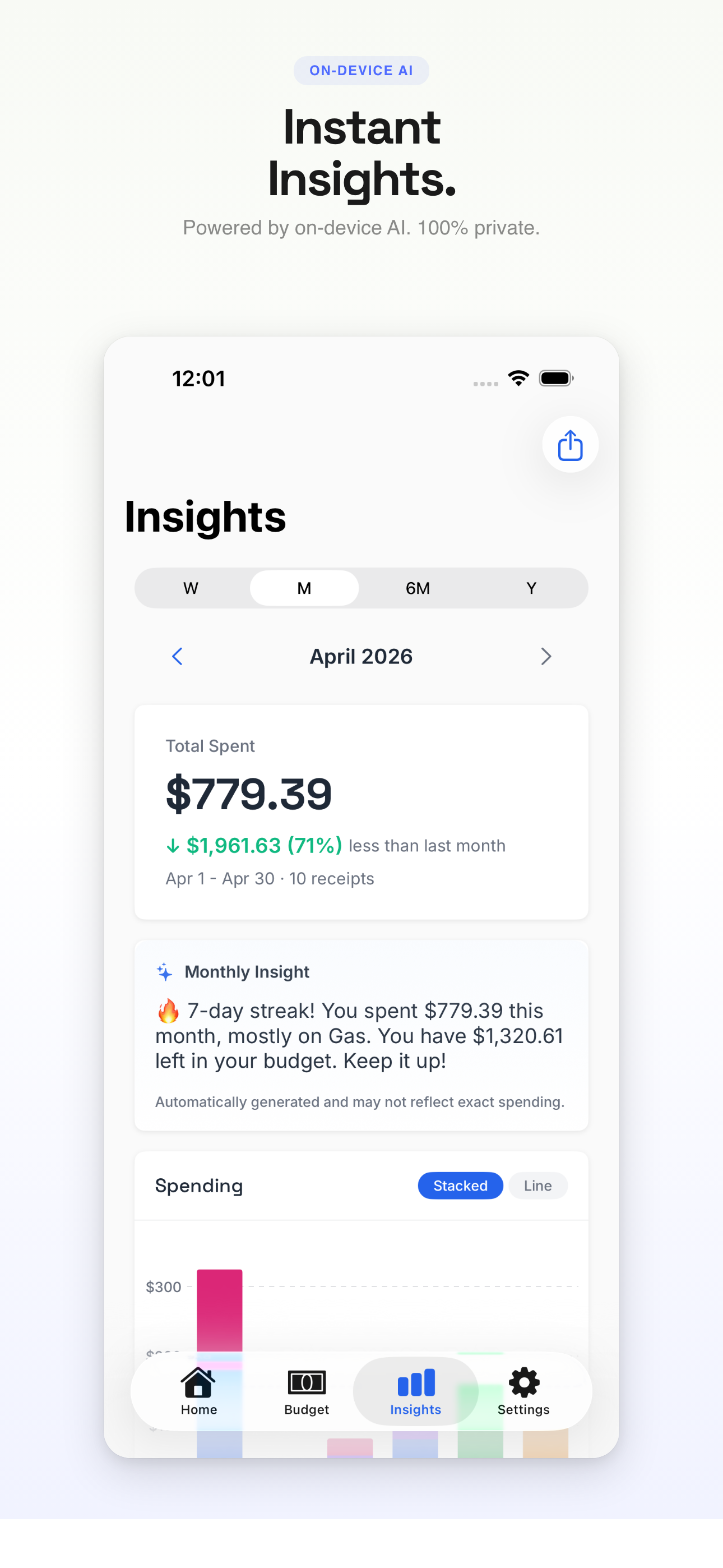
On-device AI analyzes your spending patterns and streaks.
Say "Lunch $12 at Chipotle" — done in seconds.
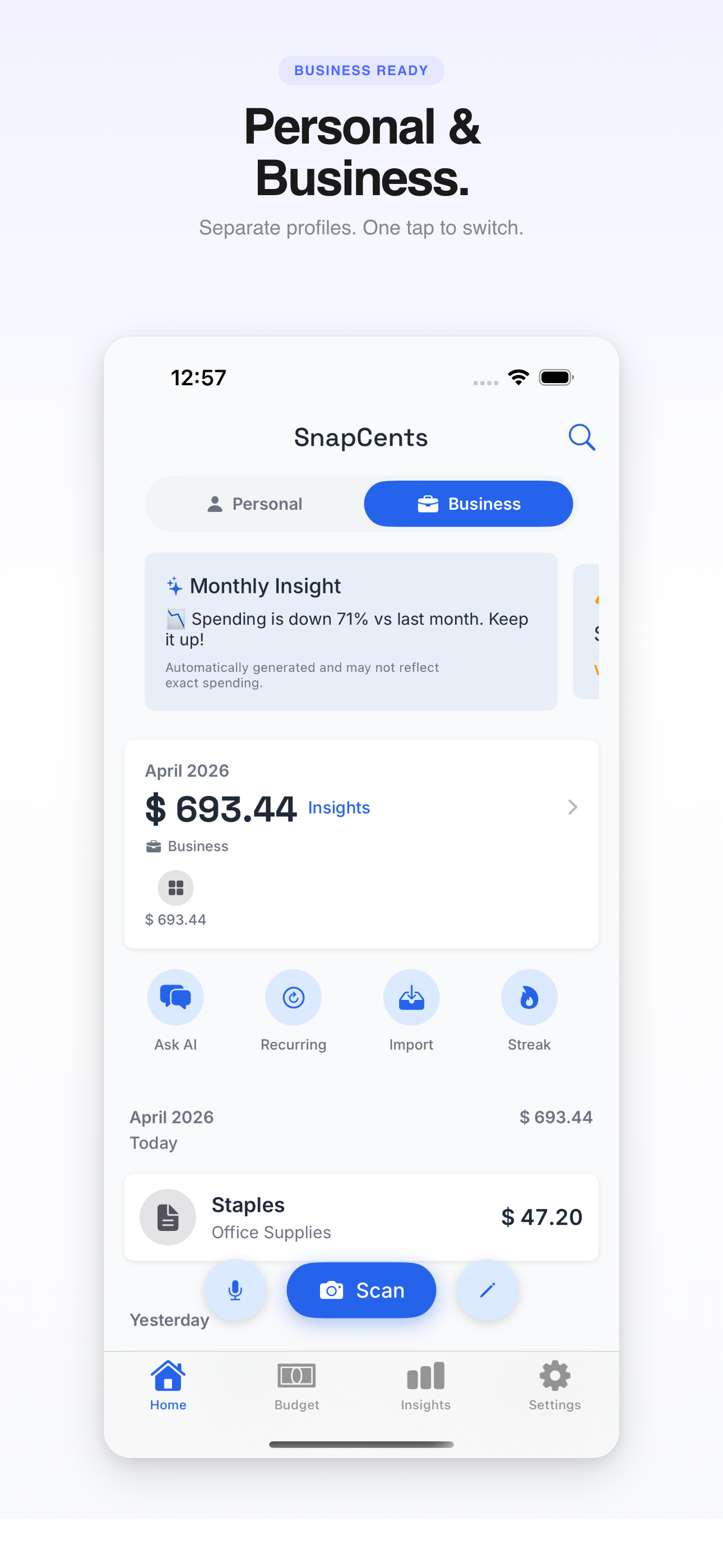
Separate personal and business expenses with one tap.
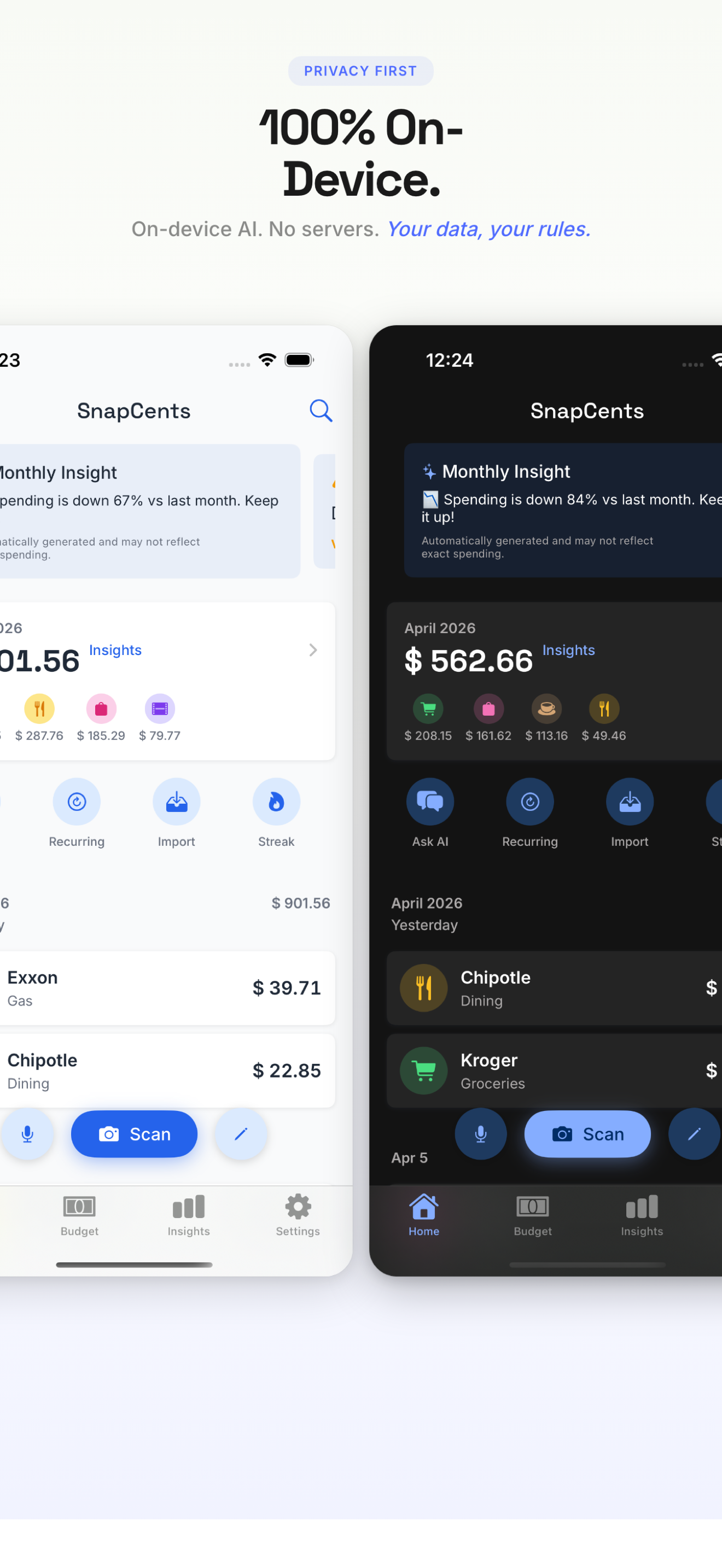
All data stays on your device. No servers. No tracking.
Drop in a PDF bank or credit card statement. Transactions extracted on-device.
Never miss a refund deadline. Get alerted before return windows close.
See all recurring charges in one place. Know exactly what you pay monthly.
PDF, Excel, or CSV reports ready for tax time or your accountant.
No accounts. No cloud. No tracking. Just you and your money. Every receipt, budget, and insight is processed and stored entirely on your iPhone.
We don't connect to your bank or use third-party data services. Your bank credentials stay with your bank.
Receipt scanning, voice entry, AI insights — all processed on your iPhone. Nothing uploaded.
Download a PDF statement from your bank's website. SnapCents parses it on your device.
Core expense tracking, receipt scanning, and voice entry are free. When you're ready for unlimited budgets, AI chat, exports, and more — Pro is there.
All data is stored locally on your iPhone. No servers, no cloud database. If you enable iCloud sync, your data is stored in your personal iCloud account — only you can access it.
No. You add transactions by scanning receipts, voice entry, manual entry, or importing PDF bank statements — all processed on your device.
SnapCents uses Apple Foundation Models running entirely on your device. Your financial data is never sent to any server.
Yes. The free tier includes core features with some limits. Pro unlocks more when you're ready. No ads, no data selling — ever.
Yes. Separate profiles with instant switching. Each profile has its own transactions, budgets, and reports.
$3.99/month, $29.99/year (with 7-day free trial), or $74.99 lifetime.